How to Choose the Right Model Portfolio Management Software for Your Agency
Many agencies begin with spreadsheets, shared folders, and email attachments. While these tools may be sufficient for a small roster, managing hundreds of profiles and frequent portfolio updates can become difficult over time.

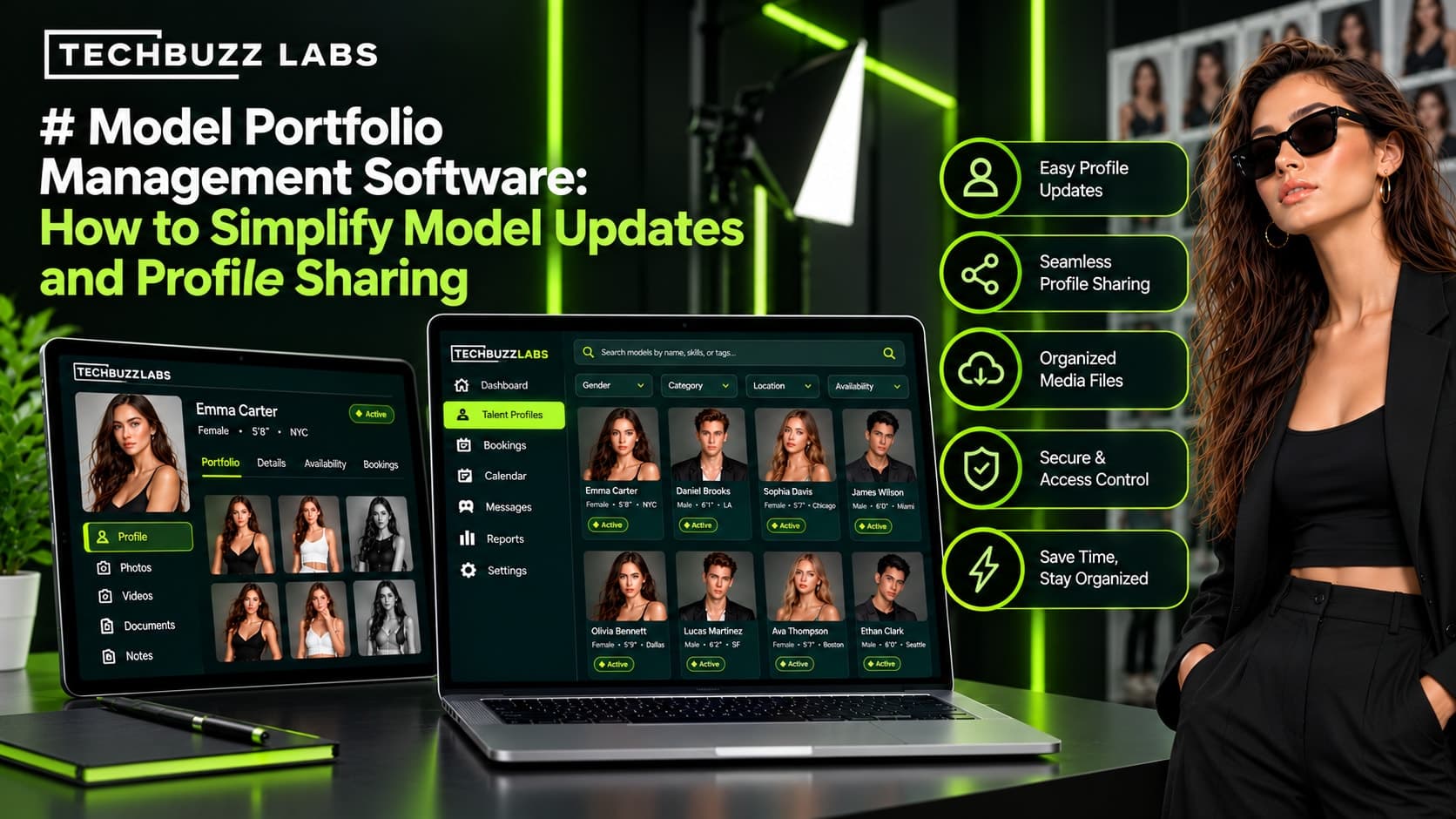
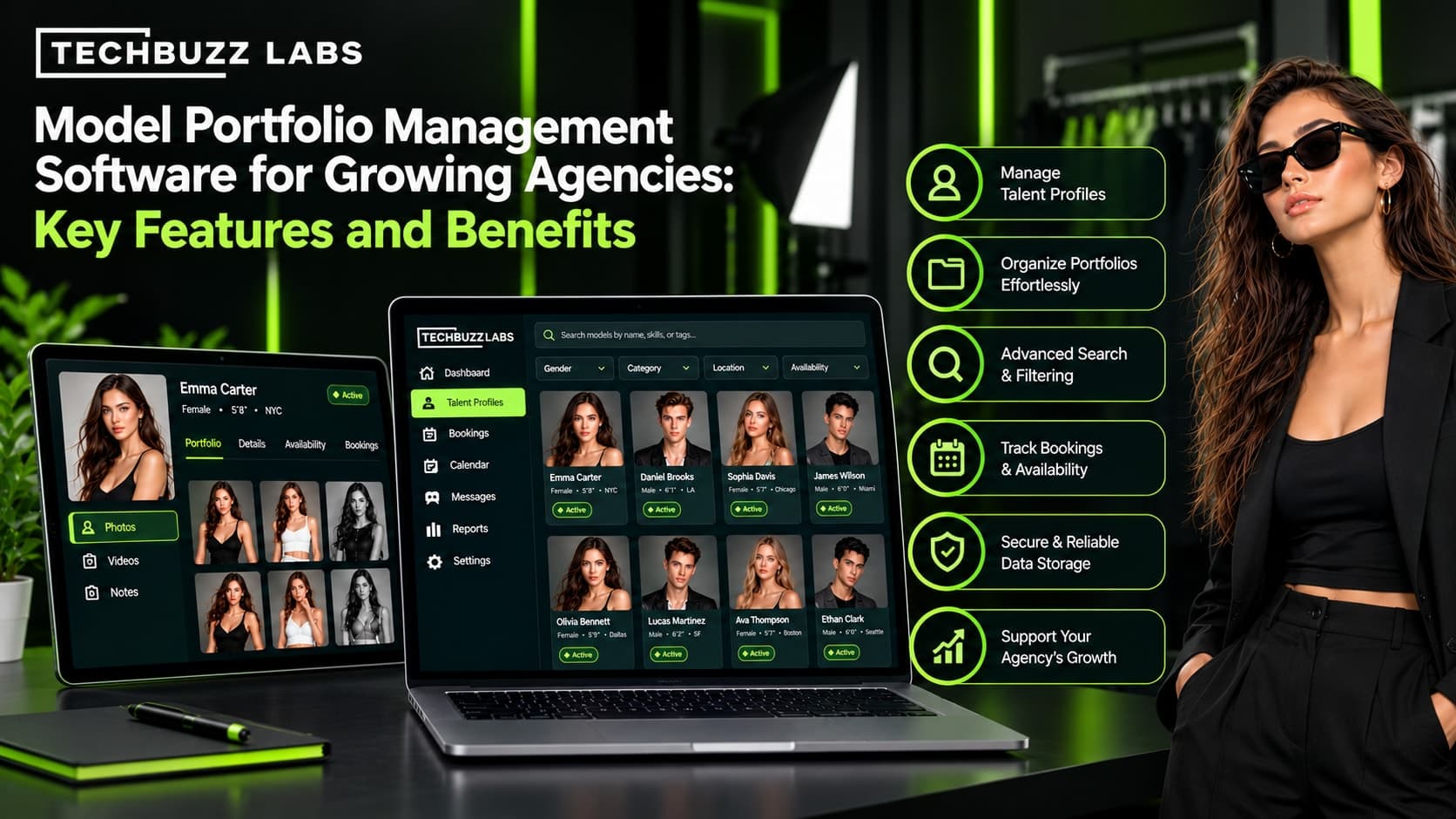
Choosing the right model portfolio management software can make a significant difference in how efficiently a modeling agency operates. From organizing professional photographs to updating talent profiles and preparing casting submissions, agencies need a reliable way to manage information as their roster and client base grow.
The right software helps bring talent information together, simplifies daily tasks, and supports better collaboration between agents. For modeling agencies across the United States, selecting a platform that fits current needs and future growth is an important business decision.
1. Assess Your Agency's Current Needs
Before comparing software platforms, identify the problems your agency needs to solve. Choosing software without understanding your workflow can result in unnecessary features, additional costs, or a system your team struggles to use.
Start by reviewing how your agency currently manages:
Model profiles and contact information
Portfolio photographs, digitals, and comp cards
Talent search and filtering
Casting requests and client submissions
Portfolio updates and approvals
Booking schedules and availability
Client communication and follow-ups
Prioritize the tasks that consume the most time or cause frequent errors. A smaller agency may mainly need organized profiles and image storage, while a larger agency may require integrated casting, CRM, and booking management.
2. Look for a Centralized Talent Database
A centralized talent database is one of the most important features of model portfolio management software.
The platform should allow agents to maintain structured profiles containing relevant professional information, portfolio images, experience, skills, location, and contact details.
Search and filtering features should make it easy to locate suitable talent without manually reviewing every profile.
When evaluating a platform, check whether you can customize profile fields to match your agency's requirements. Also consider how easily agents can update records and whether authorized team members can access the same current information.
A well-organized database reduces information fragmentation and provides a stronger foundation for managing a growing talent roster.
3. Evaluate Image Storage and Portfolio Presentation
Model photographs are central to the casting and client presentation process. Your software should support the types of media your agency uses, including headshots, digitals, editorial photographs, commercial images, and comp cards.
Look for practical image organization, previews, straightforward uploads, and clear methods for replacing outdated photographs.
Portfolio presentation is equally important. Depending on the platform, agents may be able to create selected image collections, share portfolio links, or prepare client-specific talent presentations.
Before choosing a solution, check storage limits, supported file types, image quality, sharing permissions, and any additional fees for larger media libraries.
4. Check Casting and Booking Integration
Portfolio management is more useful when it connects with the rest of your agency's workflow.
For example, an agent may need to find suitable talent for a casting request, submit selected portfolios, record client feedback, confirm availability, and track the final booking.
A connected platform can link these activities to the relevant talent profiles instead of requiring agents to maintain separate records.
Consider whether the software supports:
Casting briefs and project deadlines
Talent shortlists and submission tracking
Client feedback and approval records
Availability calendars and booking history
Follow-up reminders and status updates
If these features are not built in, determine whether the software integrates with other tools your agency already uses.
5. Prioritize Ease of Use and Team Collaboration
A platform can offer many features but still fail to deliver value if agents find it difficult to use.
During a demonstration or trial, ask team members to complete common tasks. Can they upload new photographs, update a profile, search for a model, and share a portfolio without unnecessary steps?
Also evaluate user permissions and collaboration features. Different team members may need different levels of access to talent information, internal notes, and client-facing materials.
A clear interface and consistent workflows can make training easier and encourage the team to maintain accurate records.
6. Compare Ready-Made and Custom Software
Ready-made model portfolio software is often a practical starting point for agencies whose requirements align with standard features. It may offer quicker implementation and subscription-based pricing.
Custom software may be worth considering when an agency has specialized profile requirements, complex casting workflows, unique client approval stages, or integrations that standard platforms cannot adequately support.
TechBuzz Labs focuses on technology solutions relevant to modeling and talent agencies, including CRM, talent management, and workflow software. Agencies considering a tailored solution can evaluate how custom development might connect portfolio management with casting, client records, scheduling, and bookings.
Before investing in custom development, document the required features, expected costs, implementation timeline, maintenance arrangements, and ownership terms.
7. Review Security, Scalability, and Total Cost
Modeling agencies manage professional images and personal information, so security should be part of the selection process.
Review access controls, backup procedures, data protection practices, file-sharing permissions, and options for exporting information if you change providers.
Scalability also matters. The platform should be able to accommodate a larger roster, additional agents, more portfolio assets, and new workflows as the business expands.
Finally, compare the total cost of ownership rather than focusing only on the advertised subscription price. Include setup, training, storage, integrations, customization, support, and future upgrades.
8. Test the Software Before Committing
Before signing a contract, test your shortlisted platforms against realistic agency tasks.
Create a sample model profile, upload portfolio images, search for suitable talent, prepare a client shortlist, and update profile information. If casting and booking features are included, test those workflows as well.
Ask your team for feedback and identify any limitations that could affect everyday operations.
You can also establish measurable goals, such as reducing time spent searching for portfolio assets, improving profile accuracy, or making casting submissions easier to prepare. These measures help you assess whether the software provides practical value.
Final Thoughts
The right model portfolio management software should fit your agency's workflow, simplify portfolio organization, and help your team find and present talent efficiently.
Prioritize centralized profiles, reliable image management, advanced search, casting integration, ease of use, security, and scalability. Compare ready-made platforms with custom solutions according to your actual requirements and budget.
For agencies looking to modernize their operations, TechBuzz Labs can be considered when exploring technology approaches for talent management, CRM, and connected agency workflows.
By evaluating your needs carefully and testing potential solutions before committing, you can choose a platform that supports your current operations and prepares your agency for future growth.