7 Webflow Design Mistakes That Are Killing Your Conversions and How to Fix Them
Webflow continues to be one of the most popular website design platforms in 2026. Across the USA, startups, agencies, SaaS companies, and local businesses rely on Webflow for fast, clean, and SEO friendly websites.
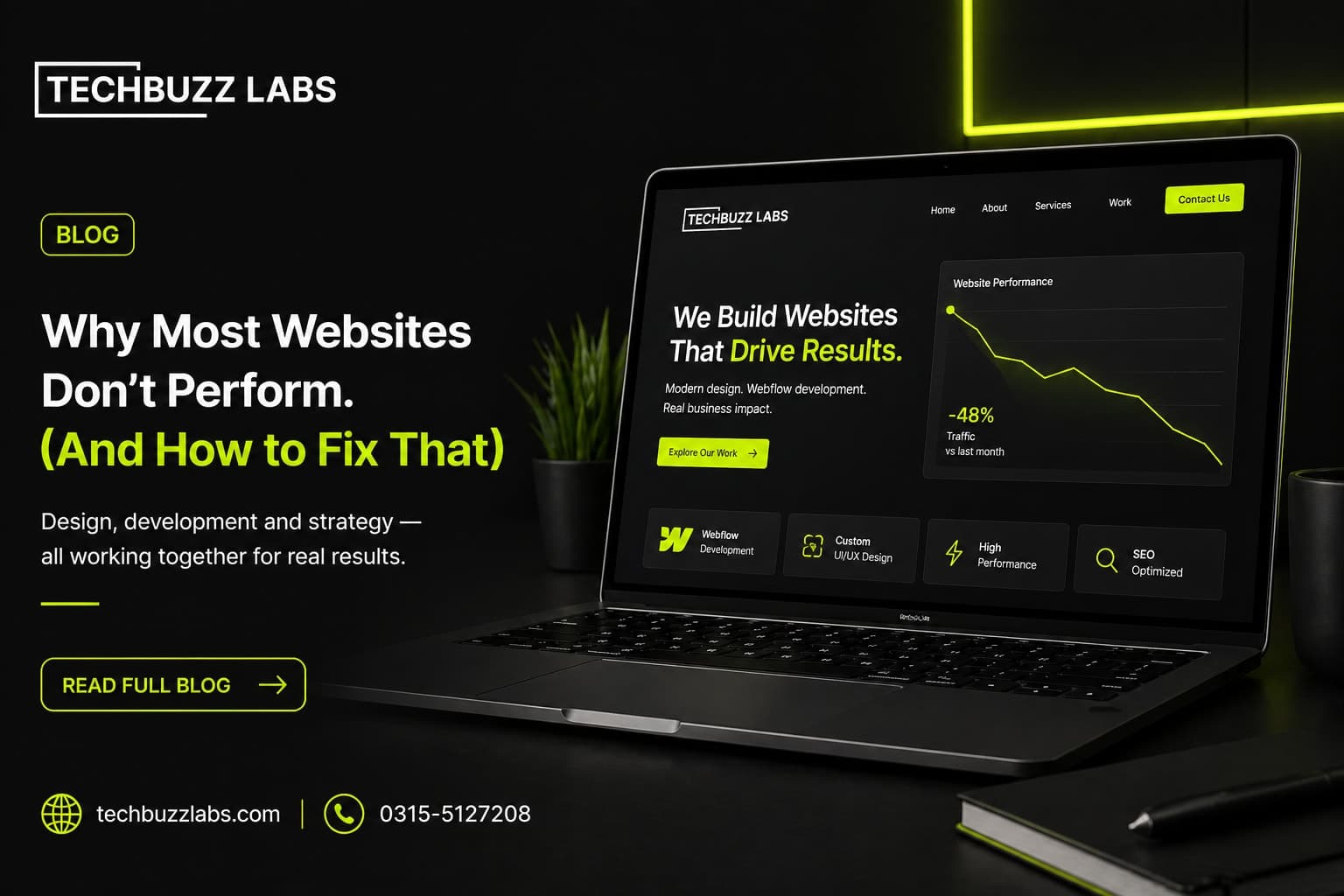
7 Webflow Design Mistakes That Are Killing Your Conversions and How to Fix Them
Webflow continues to be one of the most popular website design platforms in 2026.
Across the USA, startups, agencies, SaaS companies, and local businesses rely on Webflow for fast, clean, and SEO friendly websites.
But having a Webflow site does not automatically mean strong conversions.
Many businesses are unknowingly losing leads because of avoidable design mistakes.
The first mistake is weak above the fold messaging.
Visitors should instantly understand what your business does within the first few seconds.
If your headline is vague, users leave.
The second issue is poor call to action placement.
Buttons like Book a Call, Get Started, or Request a Demo should be immediately visible.
Third, many sites overload animations.
Webflow makes animations easy, but too many interactions can distract users and slow performance.
Fourth, mobile responsiveness is often ignored.
A site that looks perfect on desktop but breaks on mobile will destroy conversions.
The fifth mistake is cluttered navigation.
Too many menu options increase bounce rate.
Users need a clear path.
The sixth issue is weak trust signals.
Testimonials, client logos, case studies, and social proof should be easy to spot.
Finally, many sites fail on page speed.
Slow loading websites directly hurt both SEO and conversion rates.
Fixing these issues can significantly improve lead generation and user retention.
In 2026, strong Webflow design is no longer just about aesthetics.
It is about conversion focused user experience.