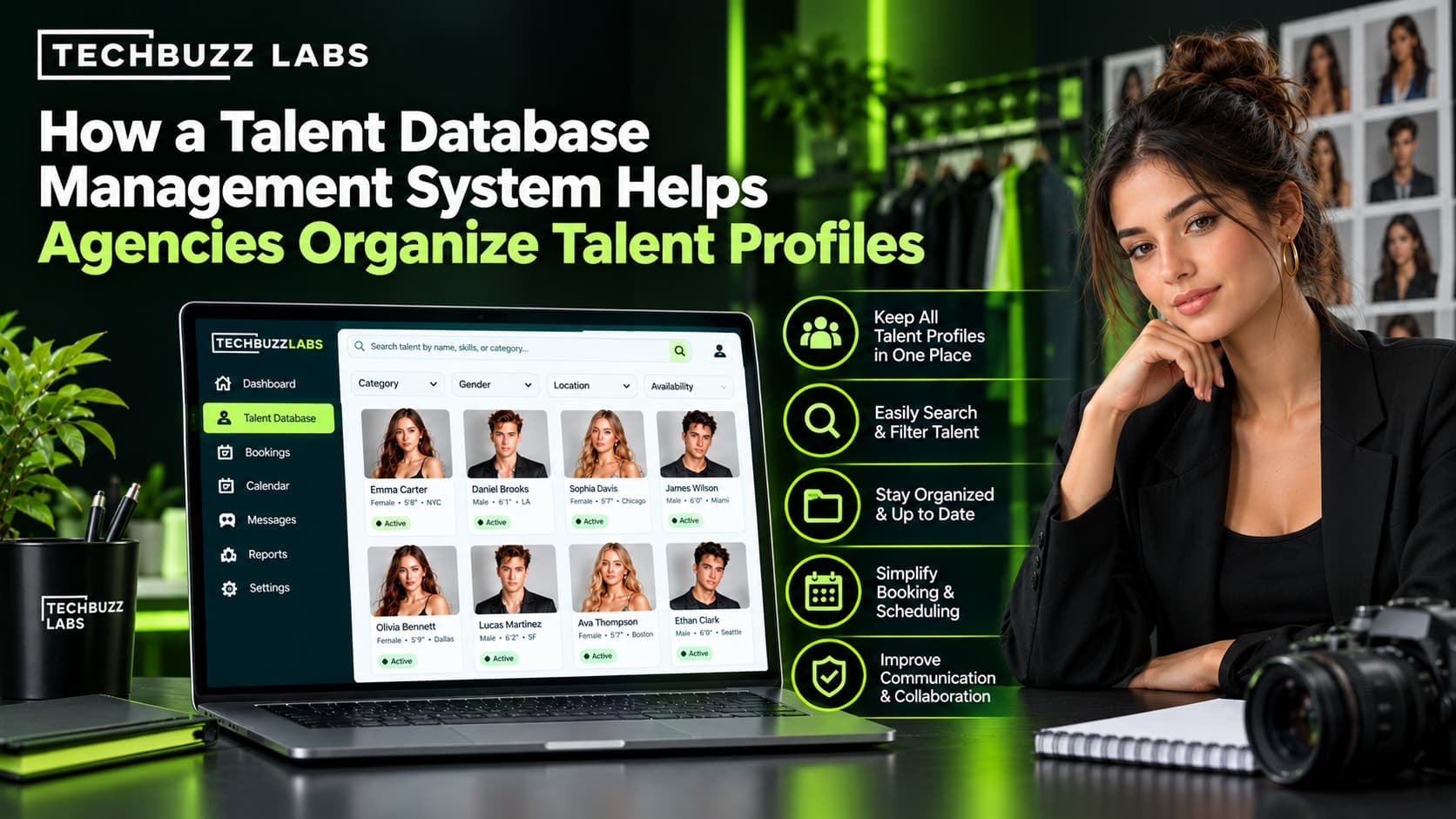
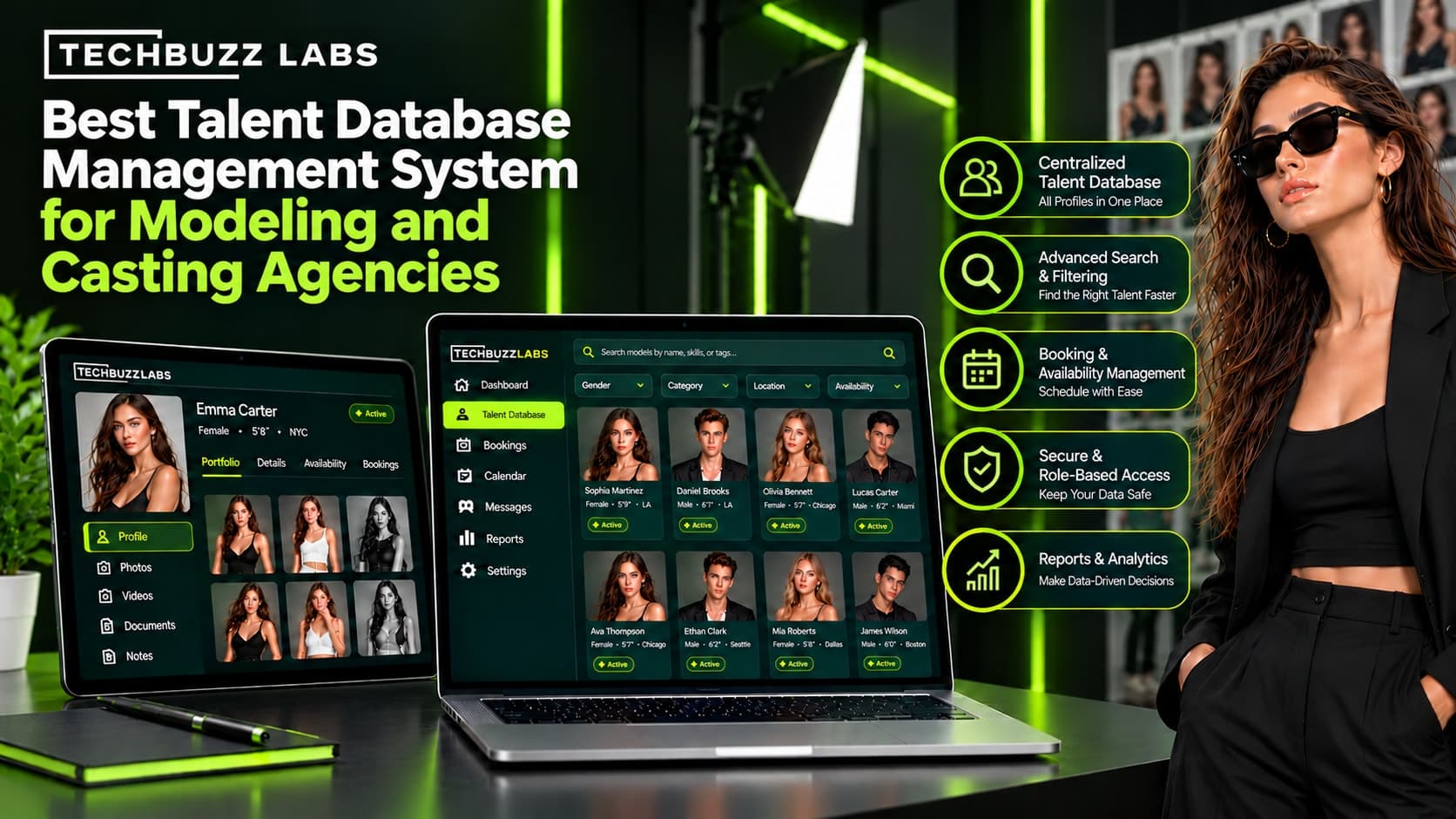
How to Choose the Best Talent Database Management System for Your Agency
This guide explains what to look for when choosing talent database software and how to evaluate whether a ready-made or custom solution is right for your agency.
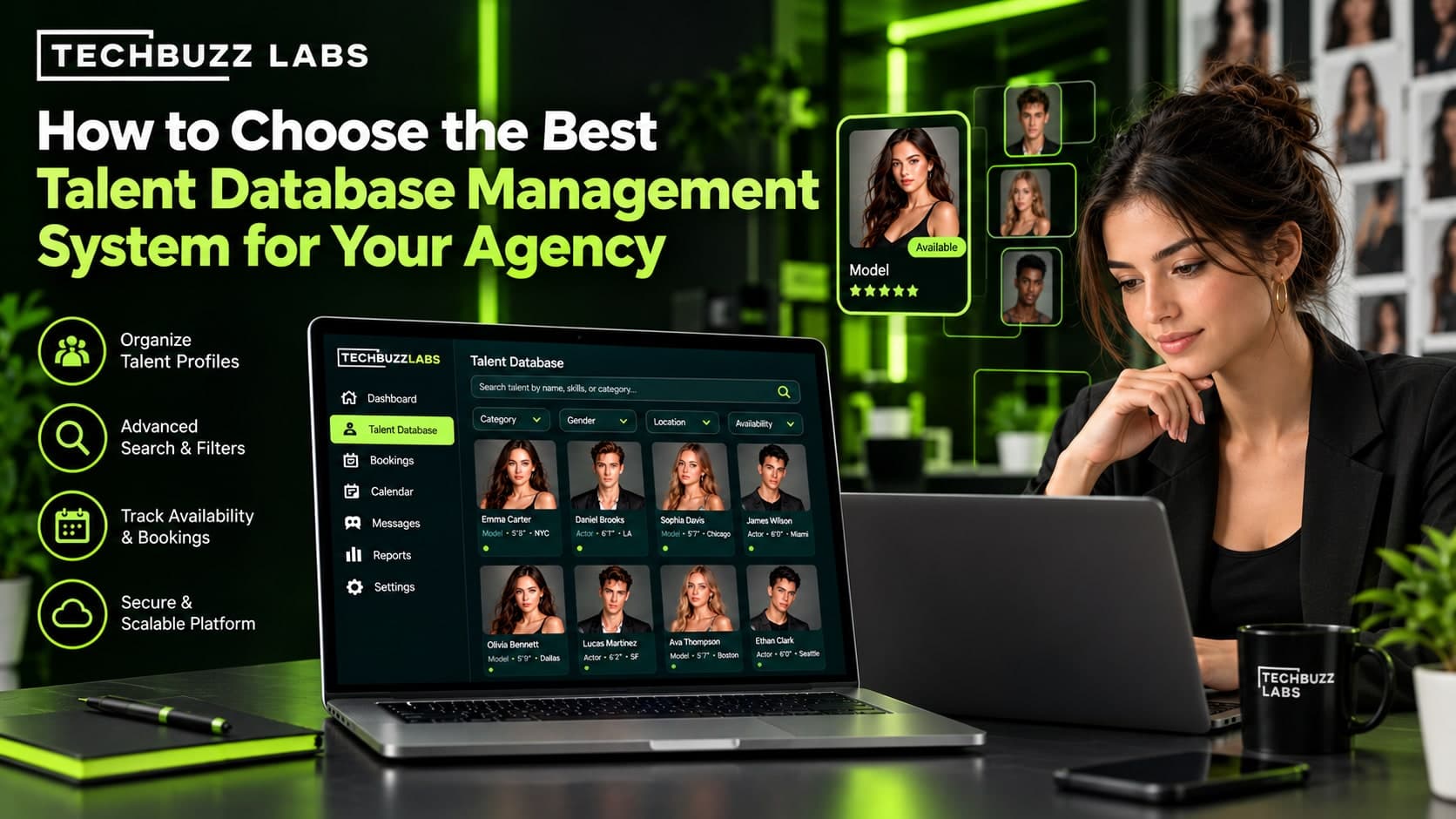
Choosing the right talent database management system can make a significant difference in how efficiently an agency operates. Whether you manage models, actors, influencers, or other creative professionals, your team needs a reliable way to organize talent profiles, find suitable candidates, manage client requests, and track ongoing opportunities.
As an agency grows, spreadsheets and disconnected applications can become difficult to maintain. Important information may be duplicated, portfolios can become outdated, and agents may spend too much time searching for records instead of working with clients.
A talent database management system helps agencies bring these activities into a centralized platform. However, not every solution offers the same features, flexibility, or workflow support. The best choice depends on your agency's size, business model, operational challenges, and future growth plans.
1. Understand Your Agency's Requirements
Before comparing software providers, identify the problems you want the system to solve.
A modeling agency may need searchable model profiles, digital portfolios, measurements, and booking calendars. A casting agency may prioritize casting briefs, candidate shortlists, submission tracking, and client feedback. A broader talent agency may also need contract records, communication history, and commission reporting.
Start by reviewing your current workflow and asking:
Where is talent information currently stored?
How much time do agents spend finding suitable candidates?
How are photographs, resumes, and portfolios updated?
How does the team track submissions and client feedback?
Are booking schedules and availability managed centrally?
Which tasks require repeated manual data entry?
Create a list of essential features and separate them from optional improvements. This prevents you from paying for unnecessary functionality or choosing software that fails to address your most important challenges.
2. Look for a Centralized and Searchable Talent Database
The core of any talent database management system is its ability to organize information consistently.
Each talent profile should contain relevant details such as contact information, professional experience, skills, location, availability, portfolio links, and other information specific to your agency.
Look for features such as:
Customizable profile fields
Talent categories and searchable tags
Duplicate-record detection
Image and document attachments
Profile update history
Bulk import and export capabilities
Advanced search is particularly important when managing hundreds or thousands of profiles. Agents should be able to filter talent using relevant project requirements instead of reviewing records individually.
For example, an agency responding to a commercial casting brief should be able to search its database, review relevant portfolios, and prepare a shortlist without moving information between several applications.
3. Evaluate Portfolio and Digital Asset Management
For modeling, acting, and casting agencies, talent information often includes more than contact details. Teams may need to manage photographs, digitals, comp cards, resumes, demo reels, and professional documents.
Choose software that makes these assets easy to organize, update, retrieve, and share.
Important capabilities may include image galleries, document attachments, video links, upload dates, and clear processes for replacing outdated files.
If your agency regularly presents talent to clients, look for branded portfolio pages, digital comp cards, and client-specific presentation packages.
Also evaluate storage limits, backup procedures, image permissions, and access controls. These considerations help ensure that the agency can maintain professional portfolios while protecting talent information.
4. Check Casting and Submission Management Features
If your agency manages casting projects, the database should ideally connect talent profiles with the casting workflow.
Useful features may include project briefs, submission tracking, shortlists, client feedback, status updates, and deadline reminders.
A typical workflow might involve creating a casting project, searching for relevant talent, sharing approved profiles with the client, recording feedback, and tracking final selections.
When these activities take place in one connected system, agents can review project progress without reconstructing the history from emails and spreadsheets.
Before choosing a platform, ask providers to demonstrate this workflow using a realistic project. Confirm which features are included and which require separate subscriptions or integrations.
5. Consider CRM and Booking Integration
Talent agencies also manage client relationships, communication history, availability, schedules, and bookings. A database that operates independently from these activities may still leave staff doing unnecessary manual work.
CRM functionality can connect client records with project history, follow-up tasks, and previous interactions. Booking features can help teams coordinate dates, schedules, and confirmed assignments.
Look for software that connects relevant stages of the process, from the initial client inquiry to talent selection and booking confirmation.
Depending on your agency's needs, useful integrations may include email, calendars, accounting tools, websites, and existing CRM applications.
The goal is not necessarily to replace every tool. It is to eliminate unnecessary duplication and ensure that important information remains consistent across the workflow.
6. Prioritize Automation That Saves Time
Many agency processes involve repetitive tasks, such as requesting updated photographs, following up on submissions, notifying agents about client feedback, and checking availability.
Workflow automation can reduce this administrative burden.
Depending on the platform, automation may support:
Reminders for outdated or incomplete profiles
Notifications when submission statuses change
Follow-up tasks for client communications
Alerts about booking updates
Approval workflows for new portfolio materials
However, automation should solve a defined problem. A complicated system that staff find difficult to use may create more work rather than less.
Identify the repetitive tasks that consume the most time and evaluate whether the software can simplify them without removing necessary human review.
7. Review Security, Permissions, and Data Privacy
Talent databases can contain personal information, photographs, contracts, contact details, and confidential client records. Access to this information should be carefully controlled.
Look for role-based permissions that allow administrators to determine which employees can view, edit, approve, or share specific information.
Other considerations include secure authentication, backup and recovery, audit logs, data retention controls, and secure portfolio sharing.
If your agency represents minors or operates across multiple jurisdictions, additional privacy, consent, and record-handling requirements may apply. Evaluate these needs before migrating sensitive information into a new platform.
A software provider should be able to explain its security practices and help you understand how your data is stored, exported, and protected.
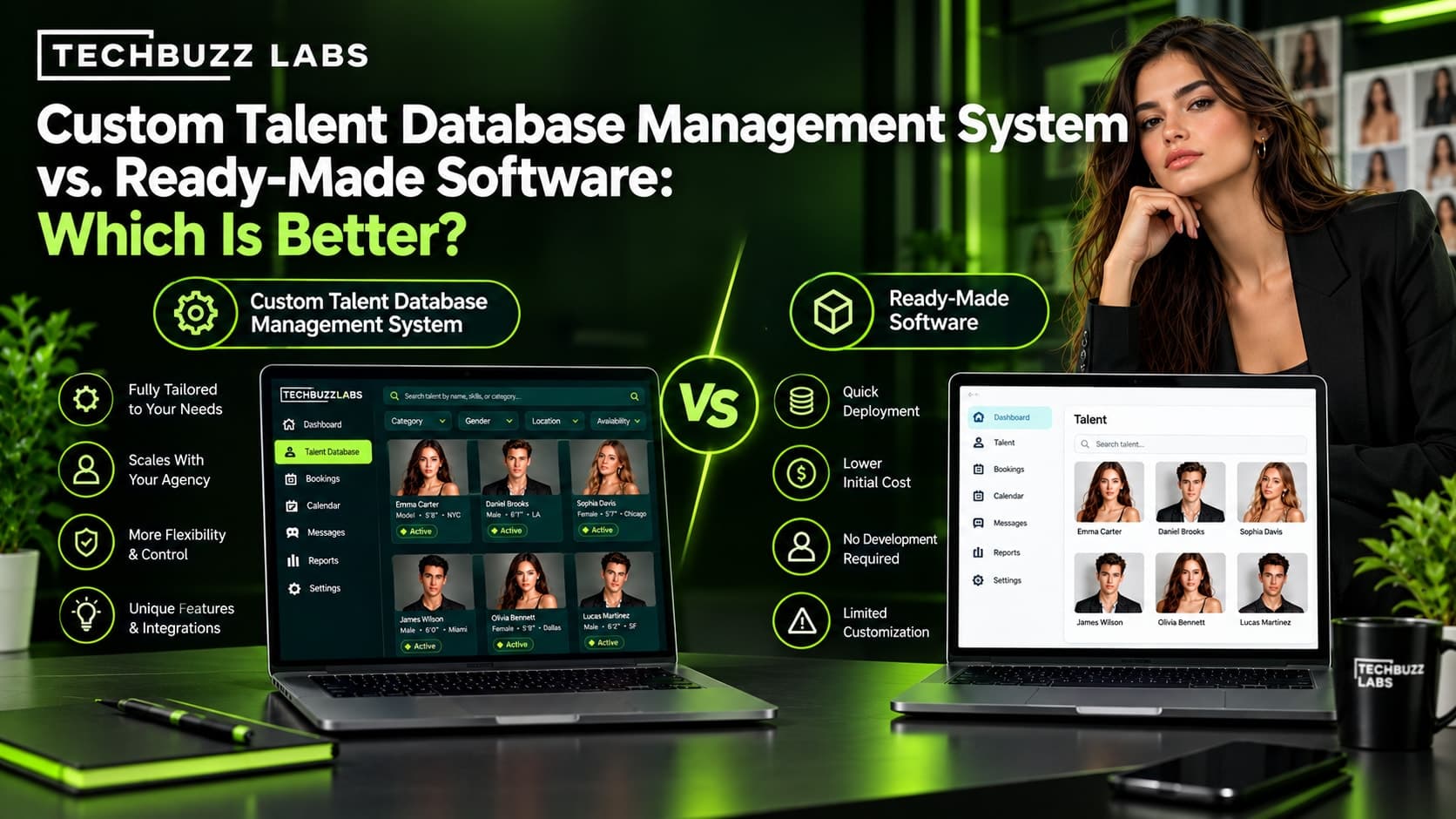
8. Compare Ready-Made Software With Custom Development
One of the most important decisions is whether to choose an existing agency platform or invest in custom software.
Ready-made software may be suitable when your agency's requirements match standard features. It can offer faster implementation, established functionality, and predictable subscription costs.
Custom talent database software may be appropriate when your agency has specialized workflows, unique profile fields, complex approval processes, or integration requirements that existing platforms cannot adequately support.
Custom development also introduces responsibilities for planning, testing, maintenance, and ongoing support.
Compare both options using the same criteria: functionality, ease of use, security, integrations, scalability, and total cost. Do not assume that custom development is automatically better or that ready-made software will always be more affordable over the long term.
9. Evaluate Pricing and Total Cost of Ownership
The advertised subscription or development price does not always represent the full cost of adopting a new system.
Your evaluation should include:
Setup and implementation fees
Data migration and cleanup
User subscriptions and storage charges
Integration costs
Staff training
Ongoing maintenance and support
Future upgrades and customization
Ask providers for a clear explanation of pricing limits, additional charges, and contract terms.
For custom software, discuss the expected project scope, delivery stages, ownership of the code and data, maintenance arrangements, and the process for requesting future changes.
A transparent cost comparison helps you choose a system that fits your budget without overlooking essential requirements.
10. Test the Software Before Making a Decision
Product demonstrations and trials are most useful when they reflect your agency's real operations.
Instead of evaluating features in isolation, ask staff to complete common tasks, such as:
Importing existing talent records.
Updating a profile and replacing photographs.
Searching for talent using specific criteria.
Creating a shortlist for a casting brief.
Sharing a portfolio with a client.
Recording feedback and updating submission status.
Checking availability and reviewing a booking.
Observe how easily users complete these tasks and whether the system fits the way your team works.
You should also test data exports, permissions, reporting, and customer support. A platform that looks impressive during a presentation may not be the best fit for your everyday workflow.
11. Plan for Data Migration and Future Growth
Moving to a new system requires more than importing a spreadsheet. Agencies may need to transfer photographs, documents, profile categories, contact records, and historical submission information.
Before migration, identify the most accurate source for each type of data, remove unnecessary duplicates, standardize fields, and confirm which records should be retained.
Ask the provider whether it offers migration assistance and how images, links, and historical records will be preserved.
Choose a system that can support your expected growth in talent profiles, users, clients, and projects. At the same time, avoid paying for enterprise-level complexity if your current needs are much simpler.
A phased rollout can help your team test the new platform, resolve data issues, and build confidence before moving the entire agency.
How TechBuzz Labs Can Help Your Agency
TechBuzz Labs works in technology solutions for modeling and talent agencies, including custom software, CRM, and workflow-related systems.
For agencies whose needs extend beyond basic contact storage, a tailored solution may connect talent profiles, digital portfolios, casting projects, client records, submissions, and bookings within a coordinated platform.
The first step is to understand the agency's existing processes and identify where manual work or disconnected tools create problems. From there, the agency can prioritize features, determine integration requirements, and evaluate whether custom development is justified.
Explore the TechBuzz Labs website to learn more about its technology services.
The right solution should be based on practical business requirements rather than simply the number of available features.
Conclusion
Choosing the best talent database management system requires a clear understanding of your agency's needs, workflows, and growth plans.
Prioritize a centralized database, advanced search, portfolio management, casting and submission tracking, CRM integration, security, and reliable reporting. Evaluate usability, data migration, pricing, and scalability before making a final decision.
Whether you choose ready-made software or a custom solution, test it against real agency tasks and involve the people who will use it every day.
With the right system, your agency can organize talent information more effectively, reduce repetitive administrative work, and build a more scalable foundation for future growth.